

 English
 Русский
 Español
Account Owners can give individual team members permission to manage Custom Conversions. The new Allow Access to Custom Conversions option is available when creating or editing a member with the Admin or User role.
Once access is enabled, the member can view, create and edit custom conversion events, as well as archive and restore them. Access is off by default for existing Admin and User members. Only the Account Owner can enable or disable this permission.
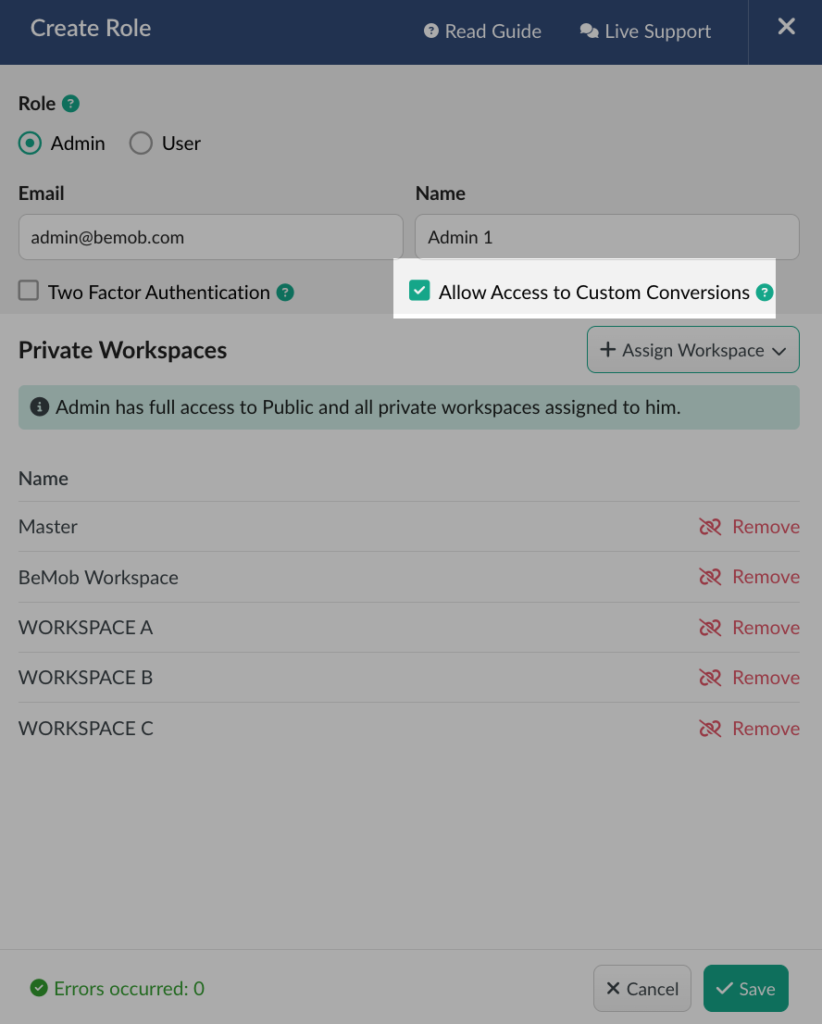
This setting grants access specifically to Custom Conversions. Other Settings sections, Manual Conversions uploads, and metrics hidden by the Account Owner remain restricted.
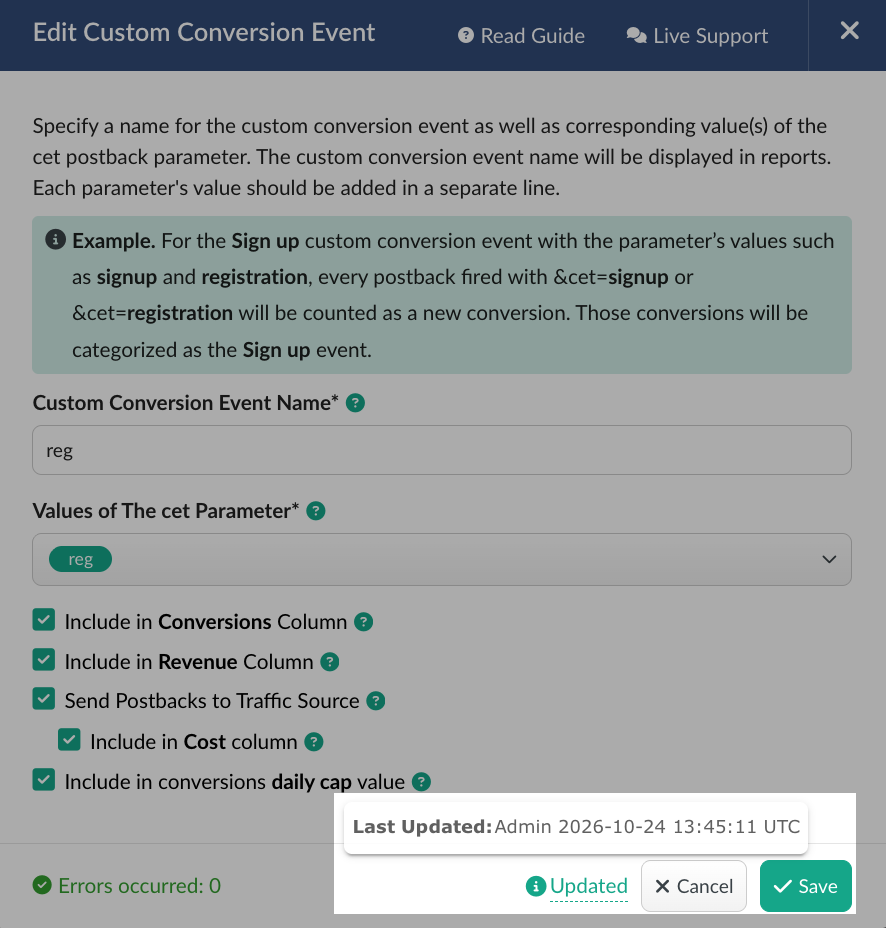
The Updated indicator in the event editing window shows when the event was last changed, with the time displayed in UTC.
Account Owners can see who made the change, while Admin and User members see Updated by Team Member. The same display rules apply to update details in other element settings.
How you can benefit from it: Delegate Custom Conversions management to the people responsible for your campaigns without giving them access to unrelated settings or hidden metrics.
Your team can maintain events without asking the Account Owner to make every change, while the owner can check who last updated an event.
📧 Need a feature? Reach us out via Chat or support@bemob.com